解决Linux下缺失Windows字体,导致Office显示符号异常的问题
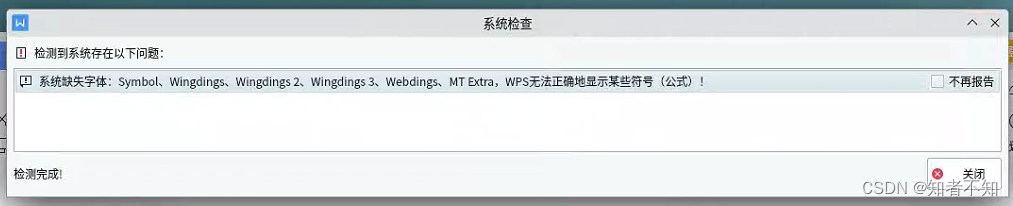
使用Linux Office组件时经常用到缺失字体的问题,针对缺失的Windows字体,可以输入如下指令:
Windows10的所有字体库(下载大约423m,占用空间1.1G)
sudo git clone -b windows10 https://github.com/EndingCode/windows-fonts.git /usr/share/fonts/windows10-fonts
有Win10的就行,不用重复下载win11的,如果想要Windows11的所有字体库(下载大约423M,占用空间大约1.2G)
sudo git clone -b windows11 https://github.com/EndingCode/windows-fonts.git /usr/share/fonts/windows11-fonts
也可以自己拷贝字体到 /usr/share/fonts/新建任意文件夹(注意要切换为root模式,或者使用 sudo mv命令),然后进入到新建的文件夹下,启动命令行输入如下指令:
更新缓存命令
sudo fc-cache -fv
检查安装

fc-list